Getting started
Run it
Info
This stack is for trying vfps out, not for keeping data: it uses a well-known database password, stores everything in an anonymous volume, and has authentication turned off. See Production deployment to run vfps for real.
With Docker Compose 2.34 or later, start vfps and a PostgreSQL database straight from an OCI artifact:
Then create a namespace and a first pseudonym through the REST API:
curl -X POST http://localhost:8080/v1/namespaces \
  -H "Content-Type: application/json" \
  -d '{"name": "test", "pseudonymGenerationMethod": "PSEUDONYM_GENERATION_METHOD_SECURE_RANDOM_BASE64URL_ENCODED", "pseudonymLength": 32}'

curl -X POST http://localhost:8080/v1/namespaces/test/pseudonyms \
  -H "Content-Type: application/json" \
  -d '{"originalValue": "to be pseudonymized"}'
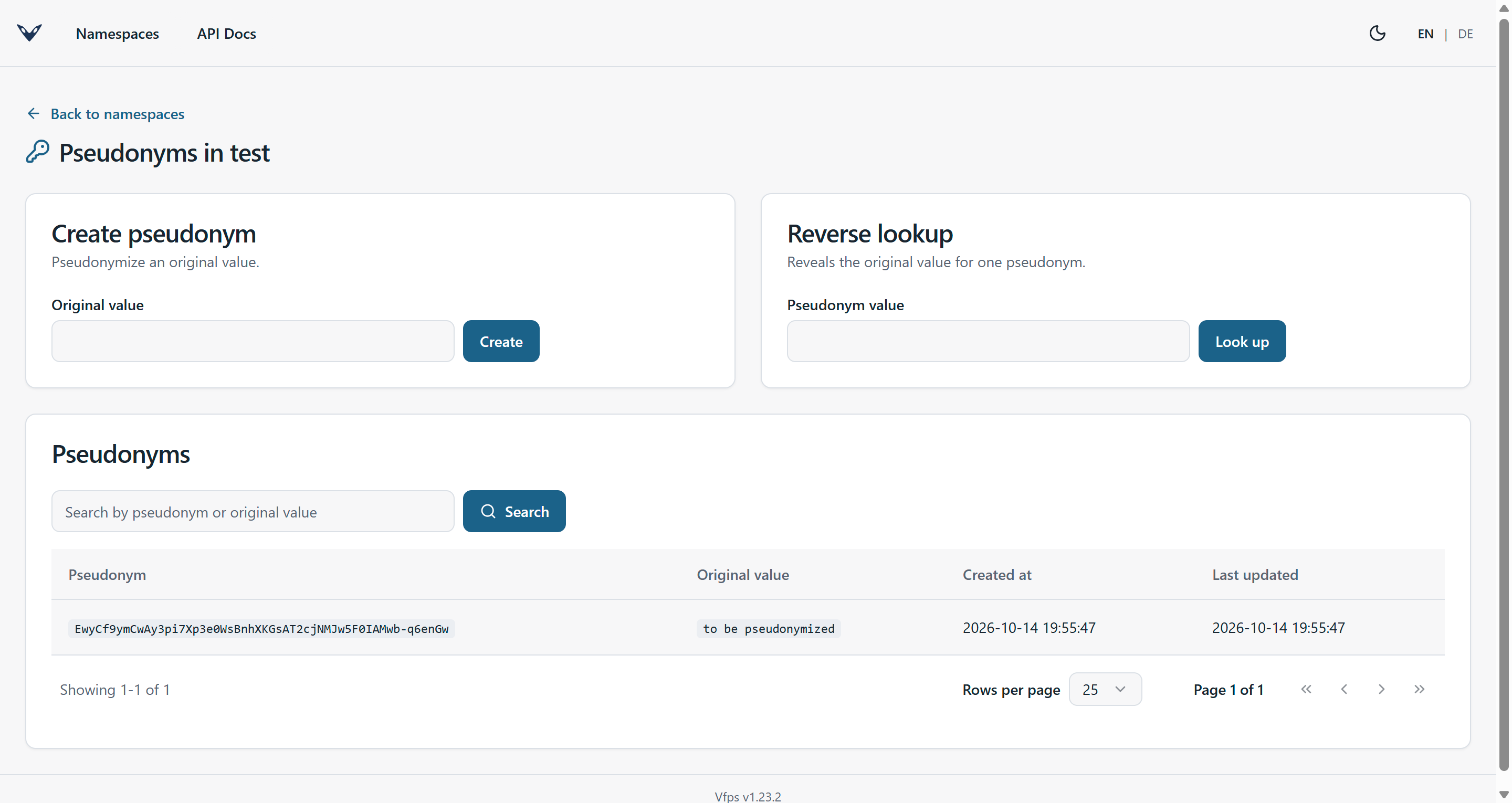
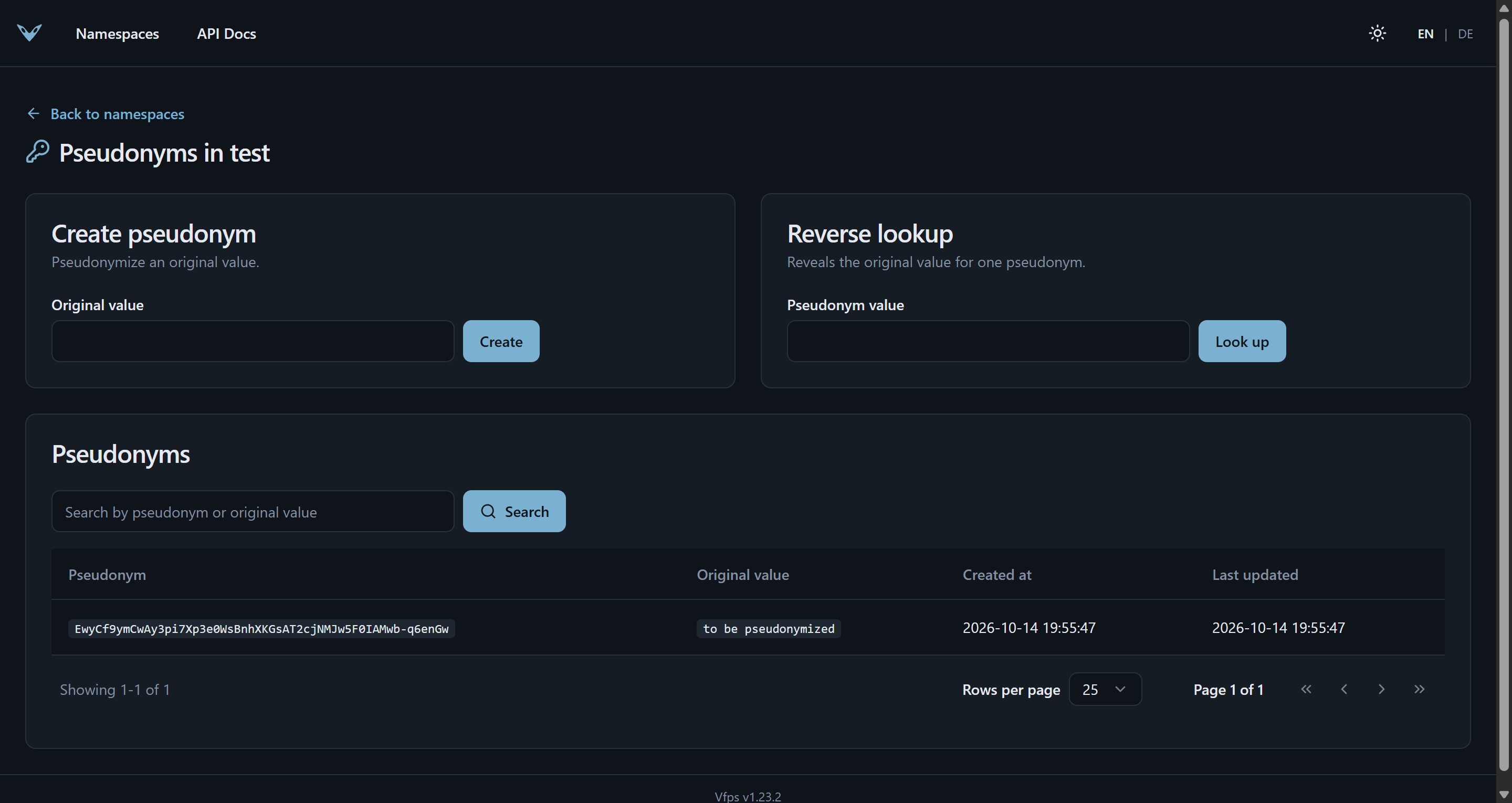
Visit http://localhost:8080/ui/namespaces/test/pseudonyms to see the generated pseudonym in the admin UI:
To stop the stack and delete everything it stored:
Using gRPC
You can use the JSON-transcoded REST API described via OpenAPI or interact with the service using gRPC.
The server offers gRPC reflection, so a client like grpcurl
needs no .proto files. To create a new namespace:
grpcurl \
  -plaintext \
  -d '{"name": "test", "pseudonymGenerationMethod": "PSEUDONYM_GENERATION_METHOD_SECURE_RANDOM_BASE64URL_ENCODED", "pseudonymLength": 32}' \
  127.0.0.1:8081 \
  vfps.api.v1.NamespaceService/Create
And to create a new pseudonym inside this namespace:
grpcurl \
  -plaintext \
  -d '{"namespace": "test", "originalValue": "to be pseudonymized"}' \
  127.0.0.1:8081 \
  vfps.api.v1.PseudonymService/Create
grpcurl -plaintext 127.0.0.1:8081 list lists the services, and describe shows their methods and
messages. See gRPC API for more, including a container image that comes with grpcurl.
Next steps
- Choose a pseudonym format and structure your data in namespaces.
- Turn on access control before exposing the service to anyone.
- Deploy it to Kubernetes with the Helm chart: Production deployment.