Admin UI
vfps ships with a web-based admin UI, served at /ui, for creating and browsing namespaces and running CSV pseudonymization jobs.
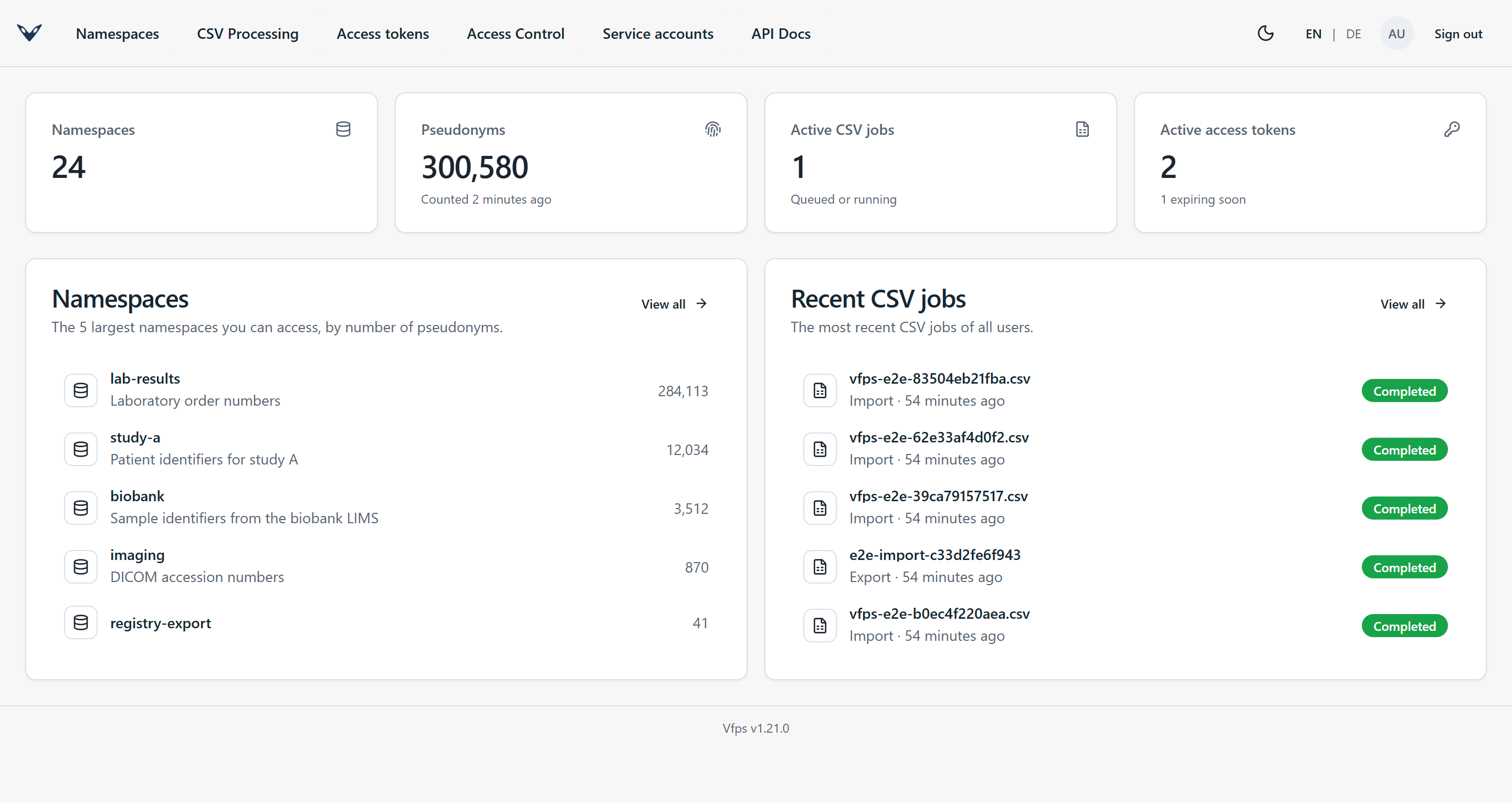
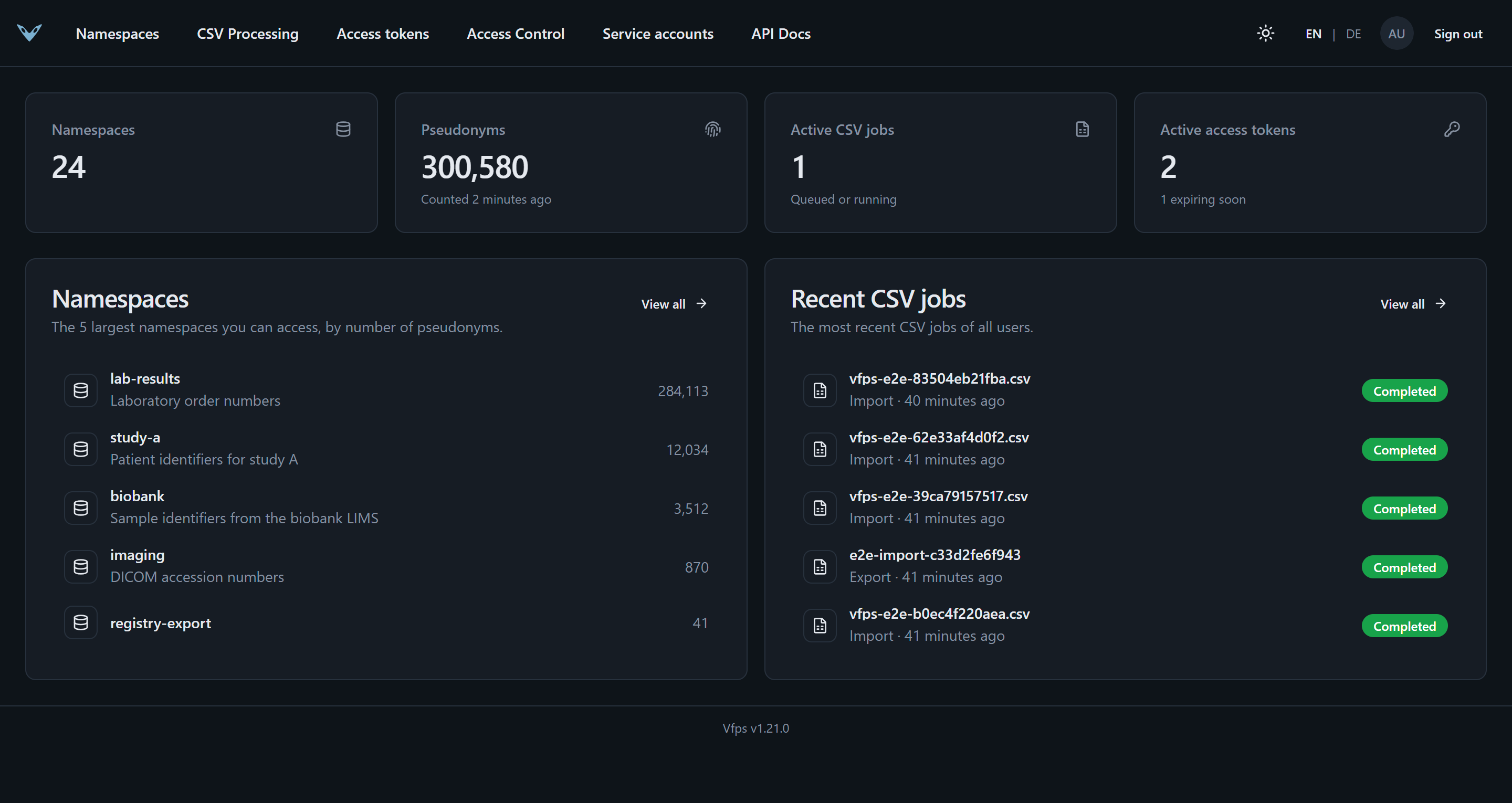
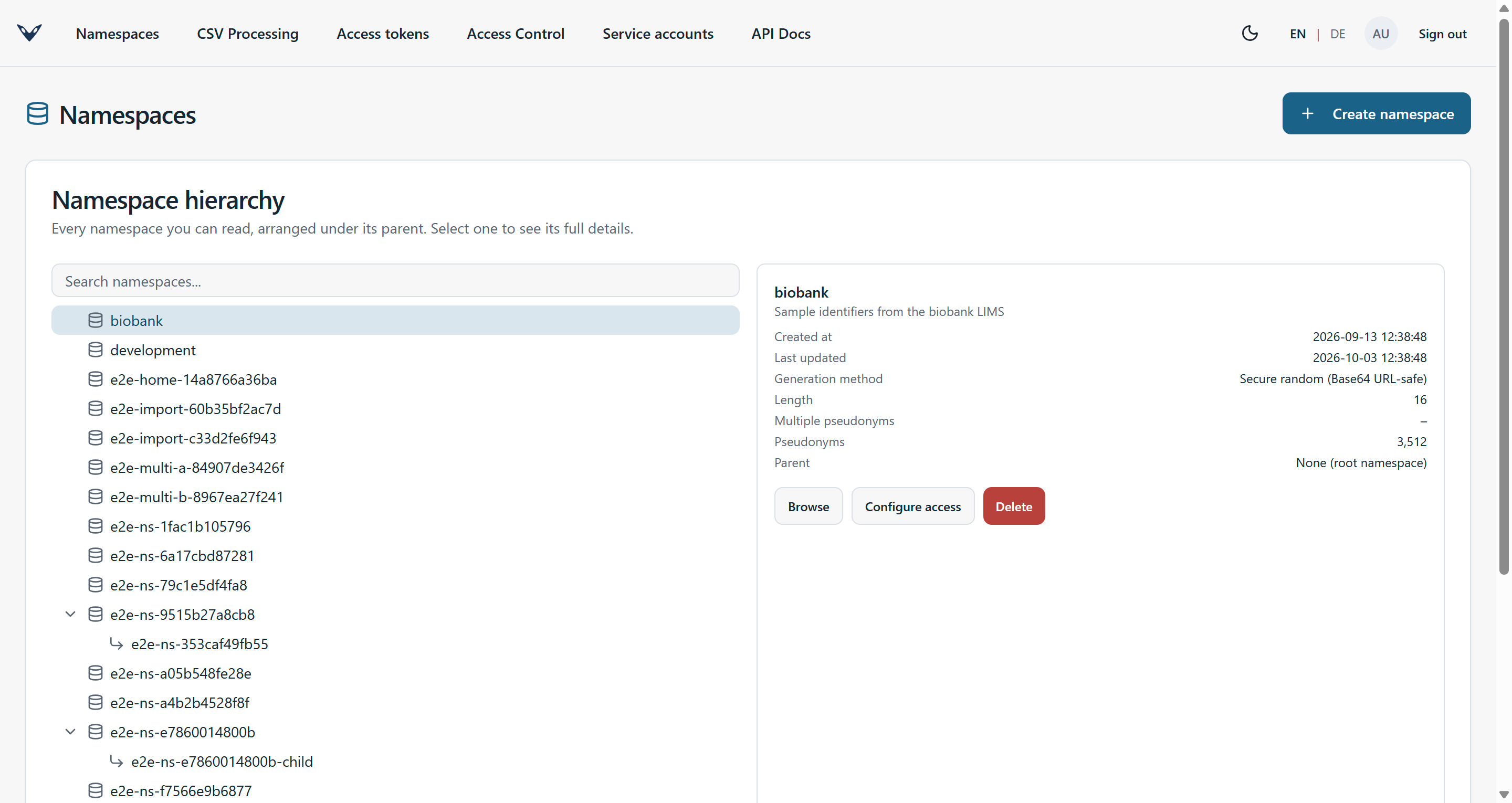
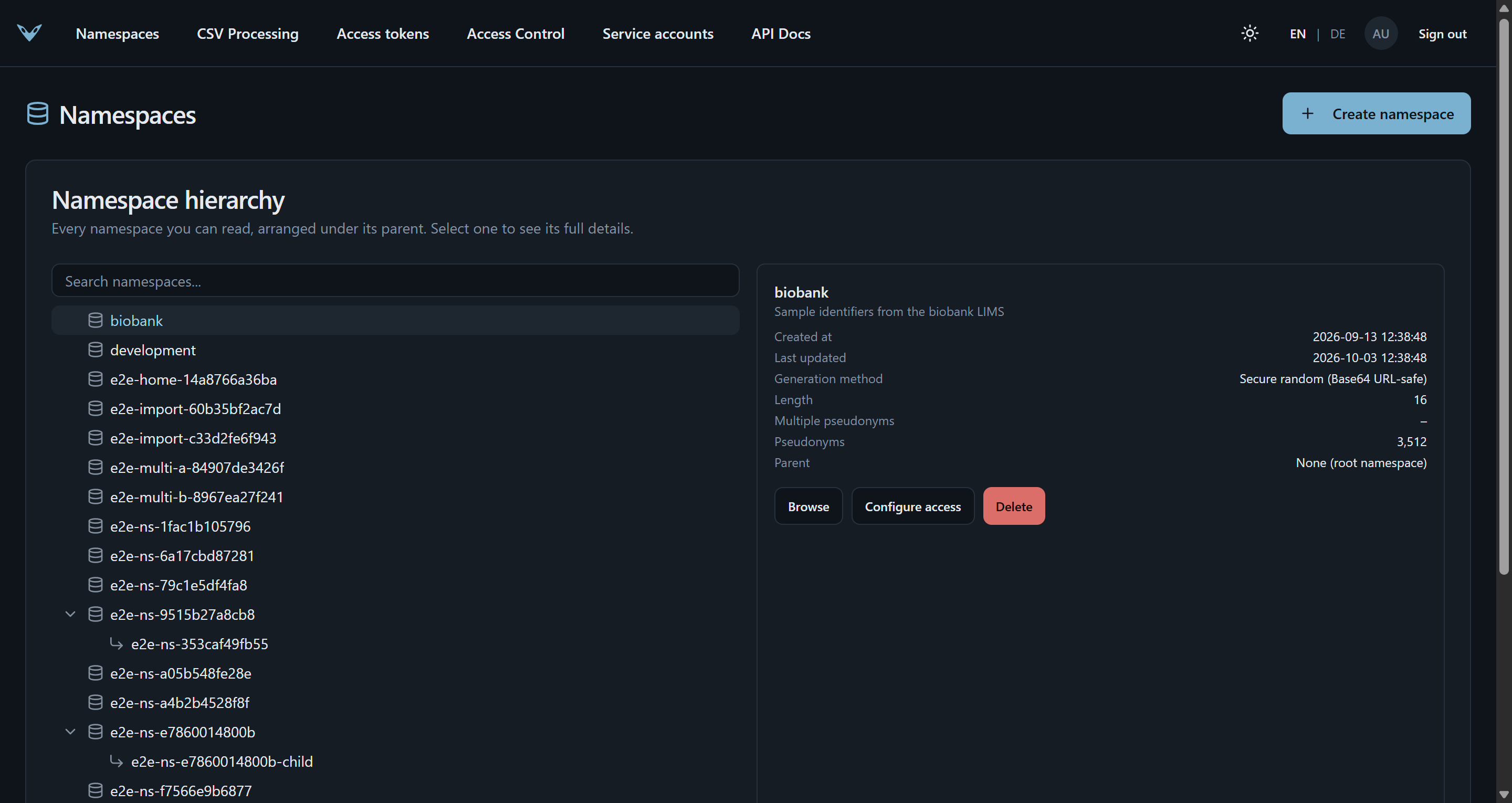
Namespaces
Create namespaces and browse or delete existing ones. Admins can also edit an existing namespace's description and original value validation regex - the only parts of a namespace that can change after it was created.
A namespace can carry an original value validation regex: a pattern every original value must match before a pseudonym is generated for it. Both the create and the edit form check the pattern as it is typed - they report whether it compiles (with the regex parser's own explanation of what is wrong when it doesn't), and lets you try a value against it to see whether it would be accepted or rejected. Both run the exact check the server performs on every pseudonym create, including its timeout, so a pattern that is valid but catastrophically slow is flagged too. Editing the pattern later only affects original values that are new to the namespace: values that already have a pseudonym stay resolvable even if they no longer match.
A namespace's projects are listed in its details, and the hierarchy can be filtered to the namespaces of one project (or of none). Admins choose a namespace's projects when creating it and can change them from the edit form.
Projects
The Projects page lists every project with its namespaces. Admins create, edit and delete projects here, and choose which namespaces each one contains. A project only groups namespaces - it doesn't change who has access to them. See Projects.
Access control and tokens
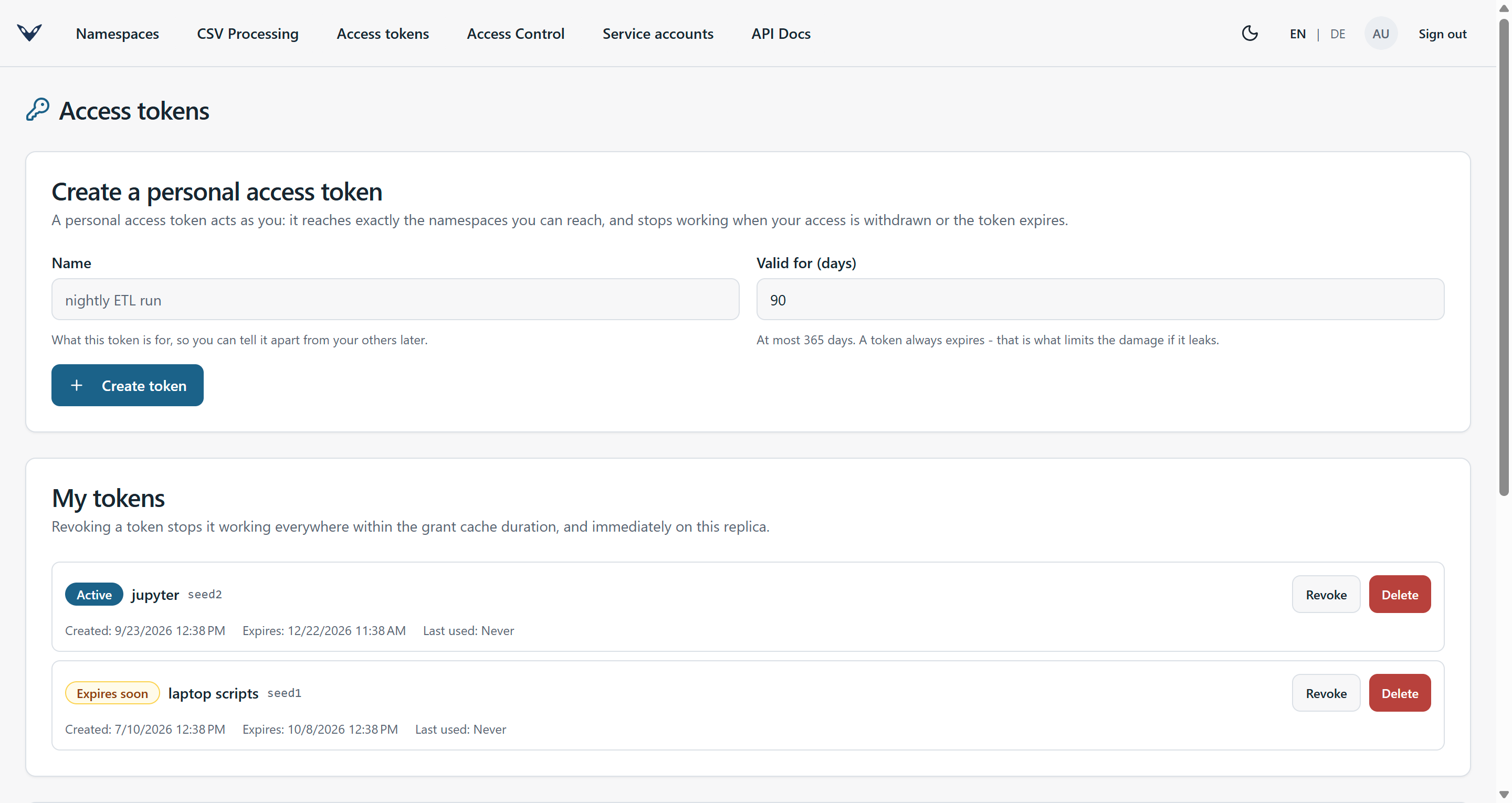
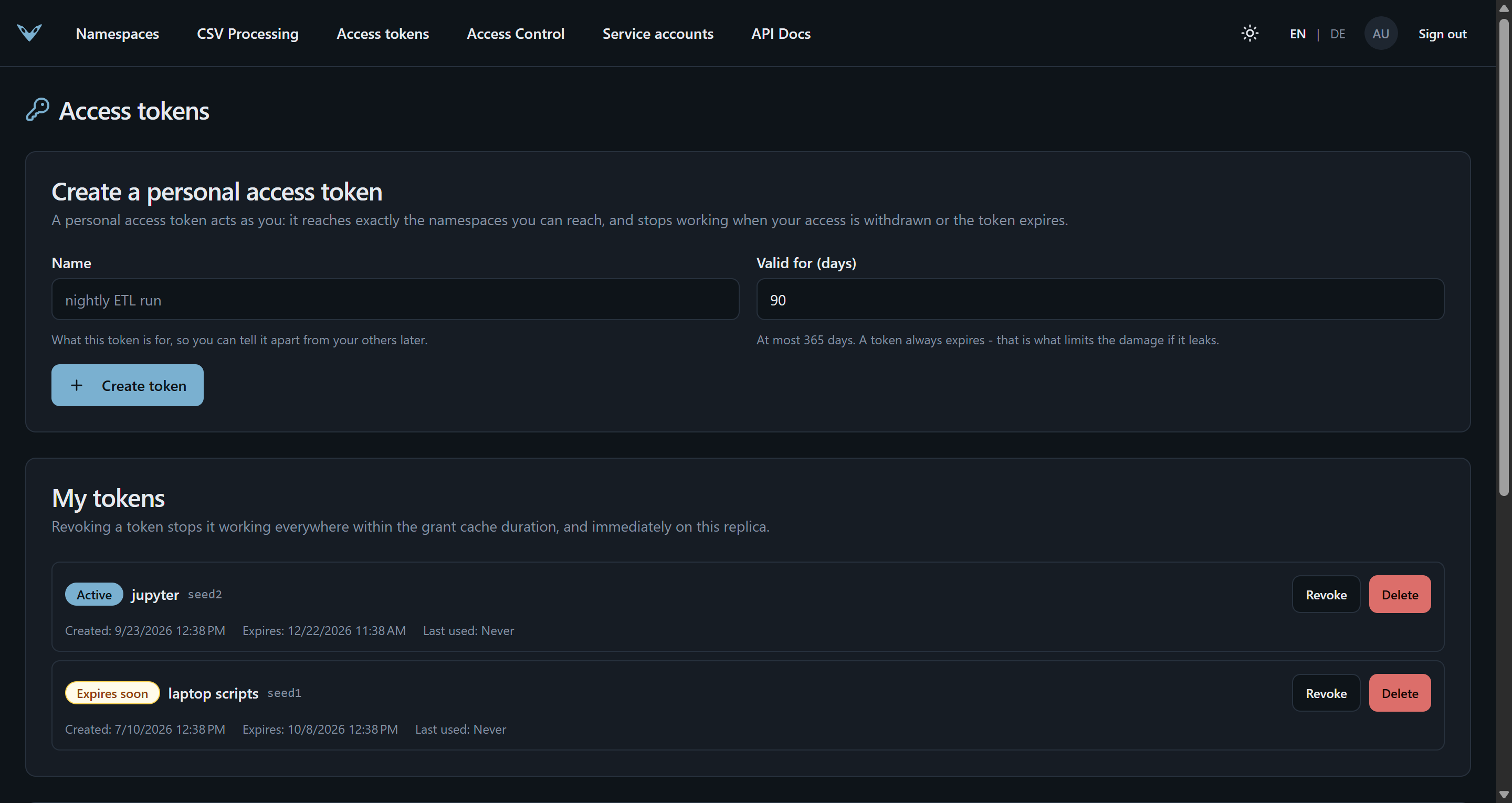
With authorization enabled, admins manage per-namespace grants and service accounts from the UI, and every signed-in user can create personal access tokens. See Access control.
CSV jobs
The Jobs page pseudonymizes, de-pseudonymizes, imports and exports whole CSV files as background jobs. See CSV jobs.