CSV jobs
Upload a CSV file to pseudonymize or de-pseudonymize one or more columns as a background job. Files are streamed directly to and from S3-compatible object storage.
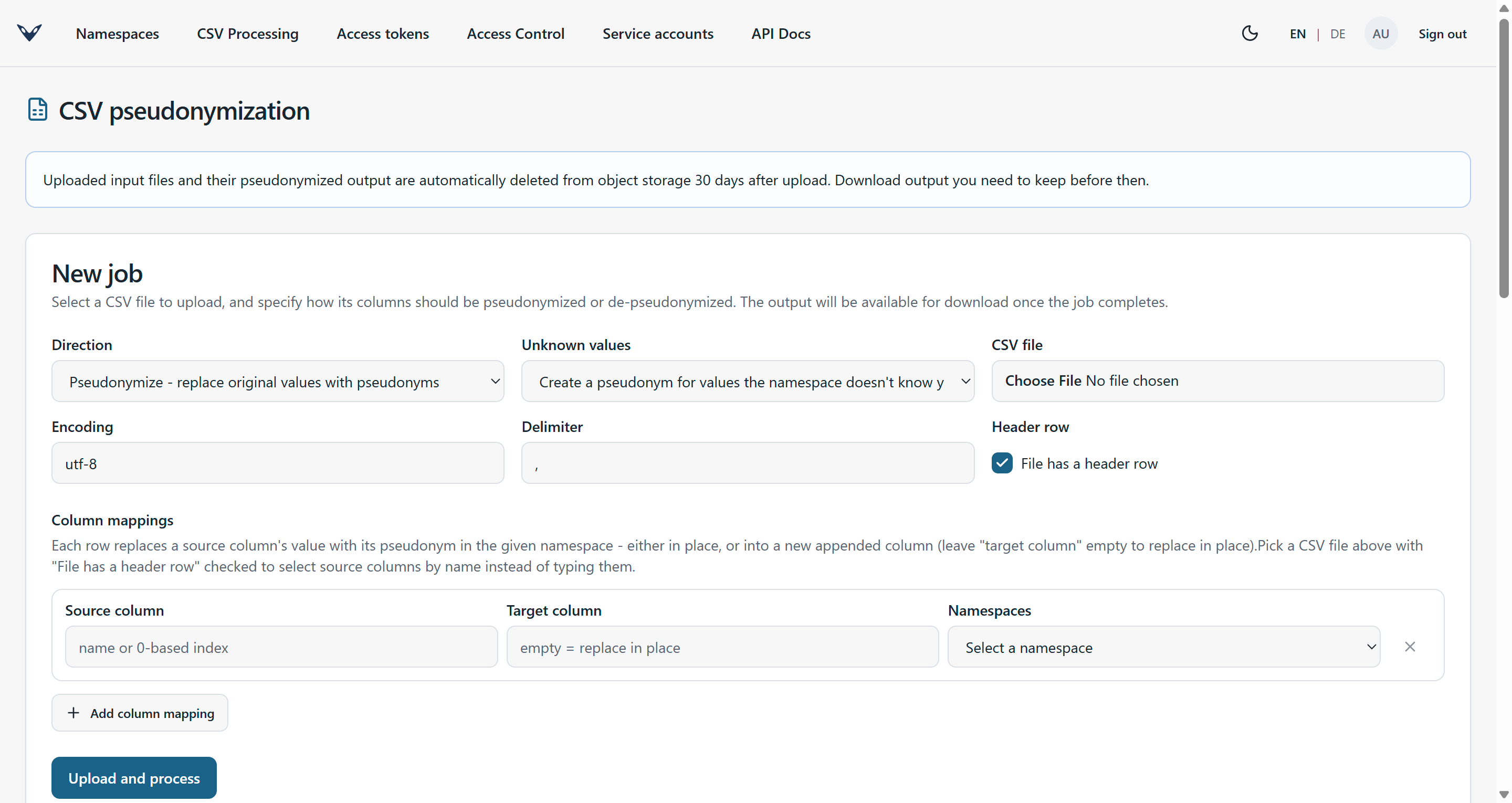
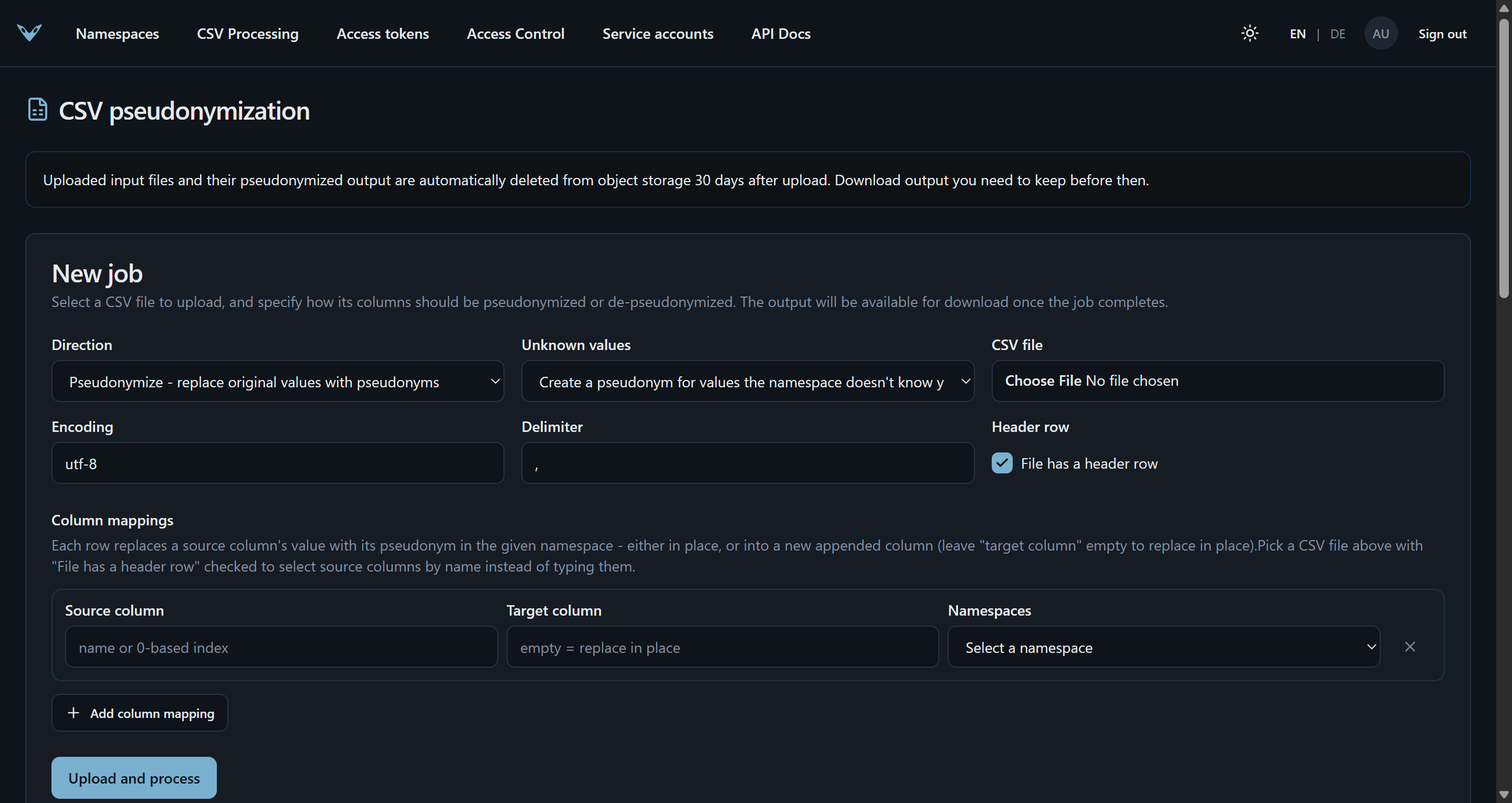
CSV job input/output bytes never pass through the vfps process itself: the admin UI uploads directly to a presigned S3 PUT URL and downloads directly from a presigned S3 GET URL, and the Hangfire background job (running in-process, no separate worker deployment) streams the file S3-to-S3. See compose.yaml's s3 profile for a local SeaweedFS setup usable for manual testing.
Each job runs in one of two directions: Pseudonymize (replace original values with their pseudonym - requires write access to every namespace used) or De-pseudonymize (replace pseudonym values with their original value - requires reverse-lookup access, since this reveals data). A pseudonym with no match in its namespace during de-pseudonymization is left unchanged in the output rather than failing the job.
Unknown values
A pseudonymize job normally creates a pseudonym for any value the namespace doesn't know yet. Where that is wrong - a file that is supposed to contain only subjects already in a cohort, where a new pseudonym would silently record one that was never meant to be there - the unknown values setting changes what happens instead:
- Fail the job stops at the first value the namespace doesn't know, before writing any part of the chunk it was found in, and reports the data row, column and namespace it stopped at. The value itself is never recorded in the error, only where it was.
- Leave the cell empty writes an empty cell for each unknown value, counts them, and carries on. The count is shown on the job, separately from the "missing value" count: both render as an empty cell in the output and mean opposite things - "the input had nothing here" versus "the input had a value this namespace has never seen".
Neither ever writes the original value through to the output. That is what de-pseudonymization does with a pseudonym it cannot resolve, where the field harmlessly stays a pseudonym; doing the same here would leave unpseudonymized data in the very column the job was asked to replace.
The setting applies to pseudonymize jobs only, and is rejected rather than ignored on any other
direction - the other three either read pseudonyms or store pairs the caller already holds, so
there is nothing for it to guard. The equivalent single-value API operation is
PseudonymService.Resolve.
Import and export
The same page also moves a whole namespace in and out as CSV, as two further job directions:
- Import loads already-known pairs instead of generating pseudonyms for them - for migrating a
mapping table that predates vfps, or moving namespaces between instances. The file needs an
originaland apseudonymcolumn; when the file has a header row its columns are offered as dropdowns, and otherwise a column is named by its 0-based index. Any other column is ignored. Requires write access to the namespace.
Optionally a third, namespace column can be chosen. Each row is then imported into the namespace named in that column, so a whole instance's export loads in one job rather than one per namespace; the single-namespace picker disappears, since there is no longer one to pick. Rows naming a namespace that doesn't exist - or leaving the column empty - are reported and skipped rather than failing the job or landing somewhere unintended. This needs write access to every namespace (an admin, or a grant made without a namespace): the namespaces a file names are only known once it is processed, long after the caller who submitted it is gone, so there is no narrower permission that can honestly be checked up front.
Nothing is ever overwritten: an original value that already has a pseudonym keeps it, and a
pseudonym already in use for a different original value is refused rather than left ambiguous to
reverse-lookup. Every row - accepted or not - comes back in the job's downloadable report as the
input row plus a status column (Imported, AlreadyPresent, OriginalValueConflict,
PseudonymValueConflict, InvalidOriginalValue, ParentValueMissing, UnknownNamespace, or
MissingValue for a blank/placeholder cell), so re-running the same file is a clean no-op and a
partial import is inspectable row by row. A namespace that allows multiple pseudonyms per original value grows
instead of conflicting, exactly as its generating create path does.
- Export writes every original value in a namespace and its pseudonym to a two-column CSV, ready to be imported elsewhere. It is the one direction with no file to upload - the job is queued as soon as it is created. Requires reverse-lookup access: the output is the namespace's original values, in bulk, so it is gated like de-pseudonymization rather than like a read.
Configuration
CSV jobs are off by default. Enabling them, and the object storage they use, is described under CSV jobs and object storage in the configuration reference.